
Cloud Release Mobile Header
Synchronoss Personal Cloud Release logo

Synchronoss Personal Cloud 25.12

Introducing our latest release, bringing your most important content closer to home.

Grid/List View

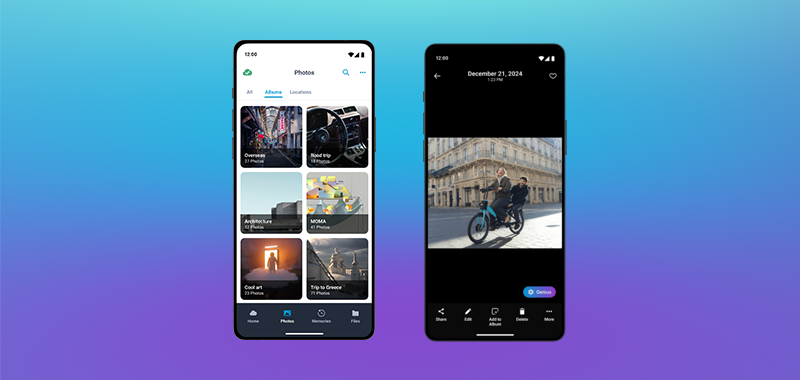
The all new Grid/List view features improved performance and user experience updates
backed by research. This update is visible while in All Photos and Album views.
Cloud Release 25.12 Grid View

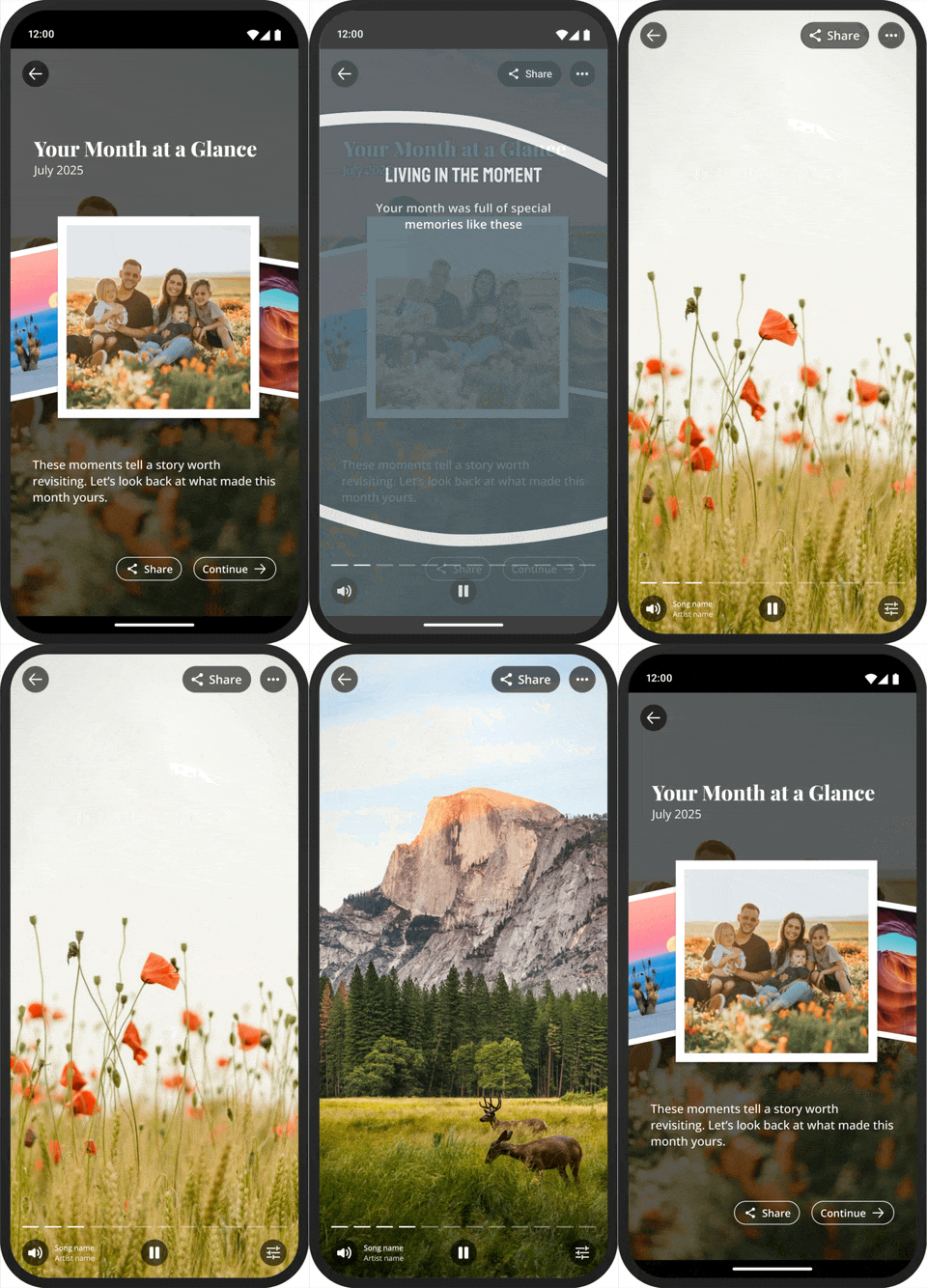
Year-End Review Memory

Our Year‑End Review Memory recipe turns the year into a shareable slideshow. Relive the year at a glance: a curated, chronological slideshow of your top photos; people, trips, colors, pets, and the moments that defined your year.
25.12 Cloud Release Year-End Review Memory Recipe

Detailed Views

Updates to the details view provide additional contextual information including accessibility,
no Internet connection banner, and the ability to swipe between items.
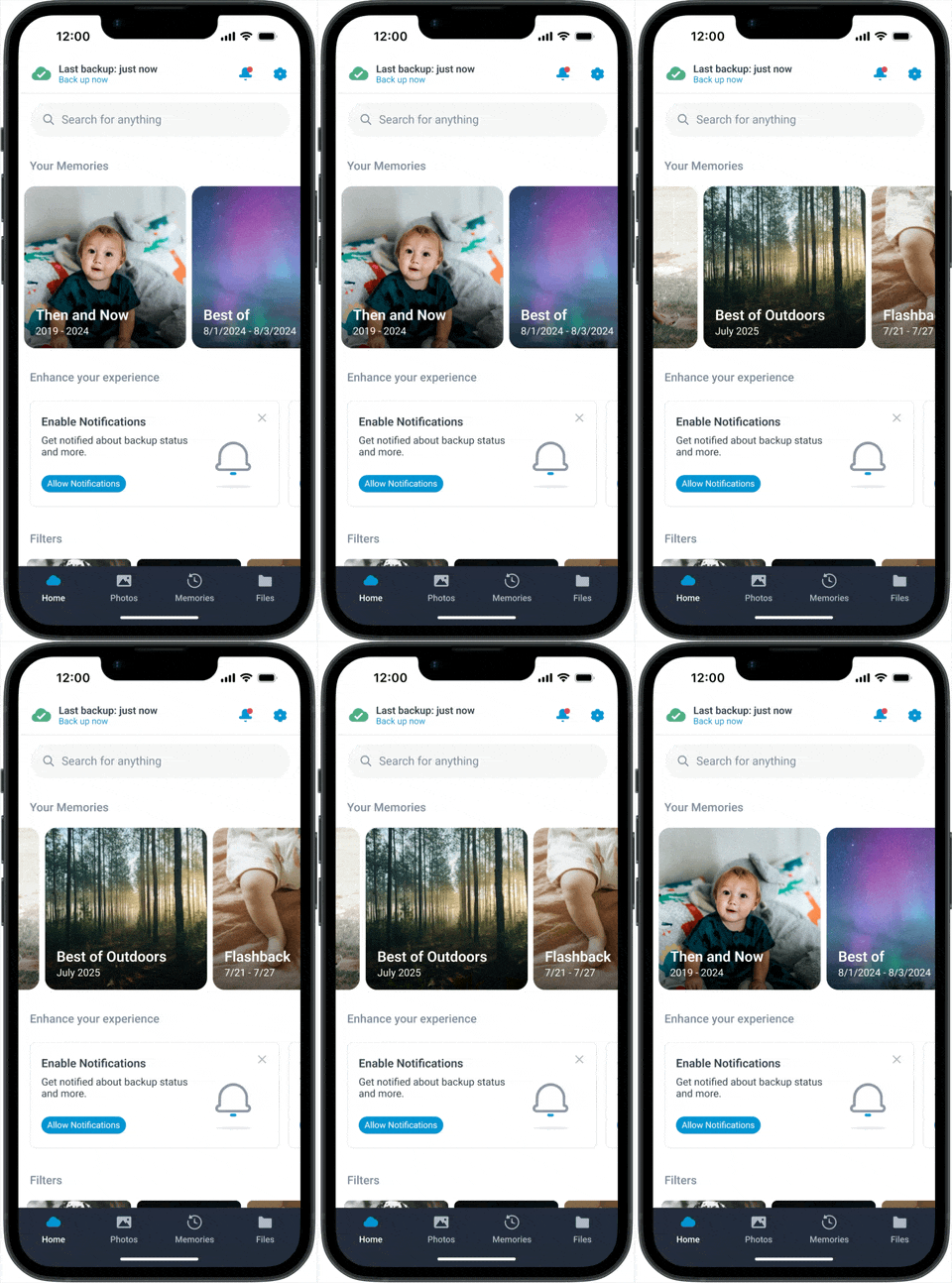
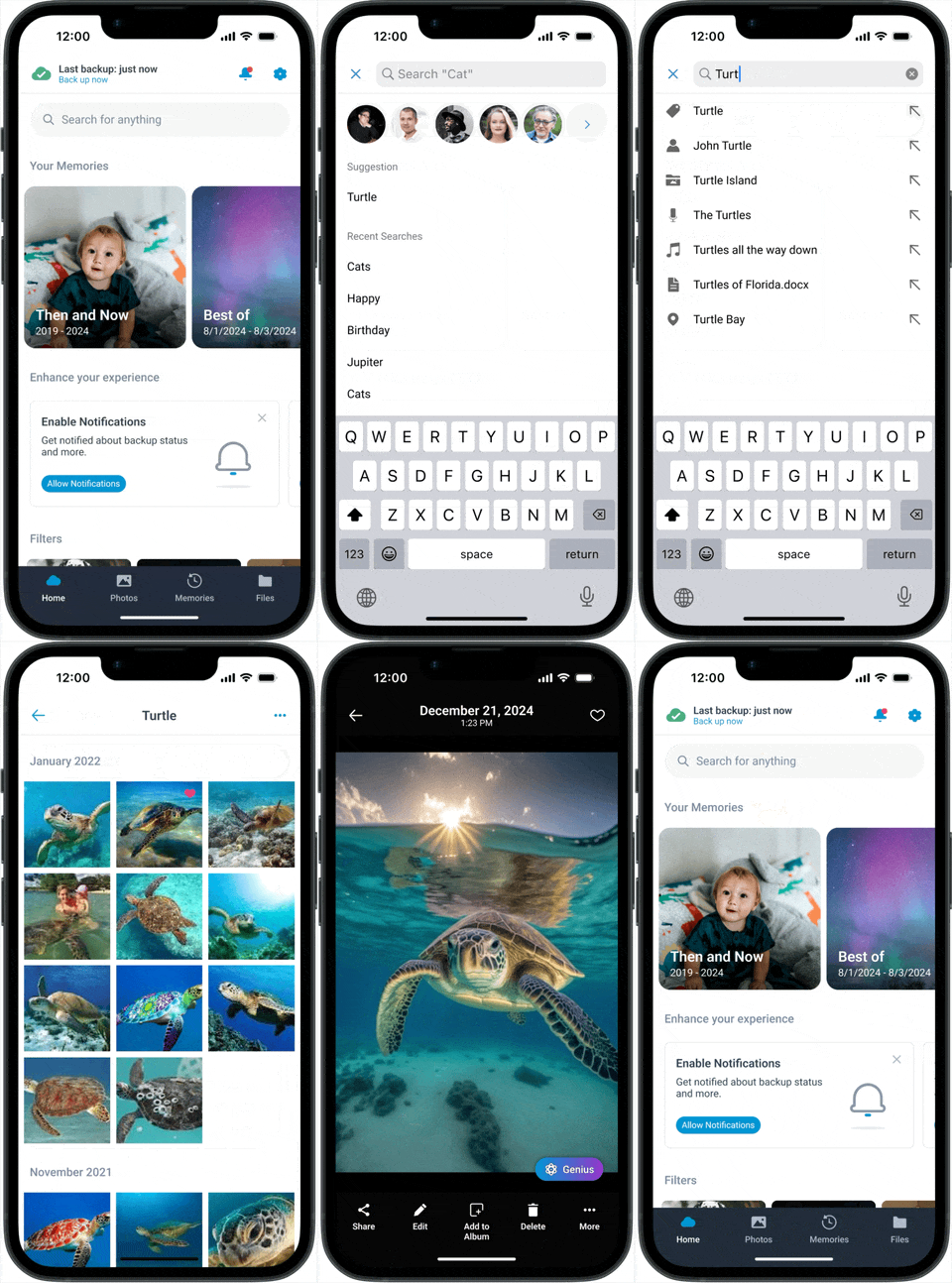
Mobile Screen Result

Cloud Releases

Updated Photo Galleries
​Improved Notification Banners
Updated Branding and Theming
​Improved Push Notifications
Analytics and Reporting Updates
Enhanced ​Data Sync and Backup

Settings Consolidation: The settings menu has been updated and combined with the functions previously available under the ‘More’ navigation option
​General Improvements: Notification to encourage background backup when a user has gone 7+ days without backing up

Local Content Folder Backup (Android): displays local content device folders on the home page and encourages the user to back these up
​Backup of iCloud Content (iOS): when Optimise Storage is turned on, full-resolution photos and videos are stored in iCloud, and, when needed, space-saving copies are stored on the users device. In order to keep cloud backed up with the latest original content, it will download the original photos and videos from iCloud, back them up to cloud and remove them again from the device.

Audio Redesign: streamlined access to audio and music files
Iconography: updates to some application icons
Genius Styles: ability to redo/undo styles

  • Contact sync dialogue
  • Message inbox promotion
  • Over-sized file warning in local content preview
Spotlight: Targeted tips engage users at just the right time and place, contextually highlighting features based on recent or suggested actions.
Genius Cartoon Styles: Elevate creativity and editing of pictures to new levels with the new AI-powered cartoon styles for Genius.

Onboarding: Discover streamlined onboarding, ensuring a quicker and more enriching experience.
Enhanced Genius Plans: Unleash the power of AI by offering Genius features as part of service levels or additional bolt-ons.

Want to see more?

Get in touch with our sales team to see the next generation of the Synchronoss Personal Cloud in action.

Next Generation of Personal Cloud Demo